ChipCraftVS
Silicon-grade RTL, where you code
The easy way to work with the ChipCraftX agents, right in your editor. ChipCraftVS puts the same crew the API exposes behind a friendly VS Code interface — synthesis-aware diagnostics, RTL generation, and design chat, with no toolchain to wire up and nothing to leave your loop.

The whole loop, in one panel
Three moments from a real session — from a plain-English prompt to a verified module, without leaving the editor or trusting your design to anyone else.
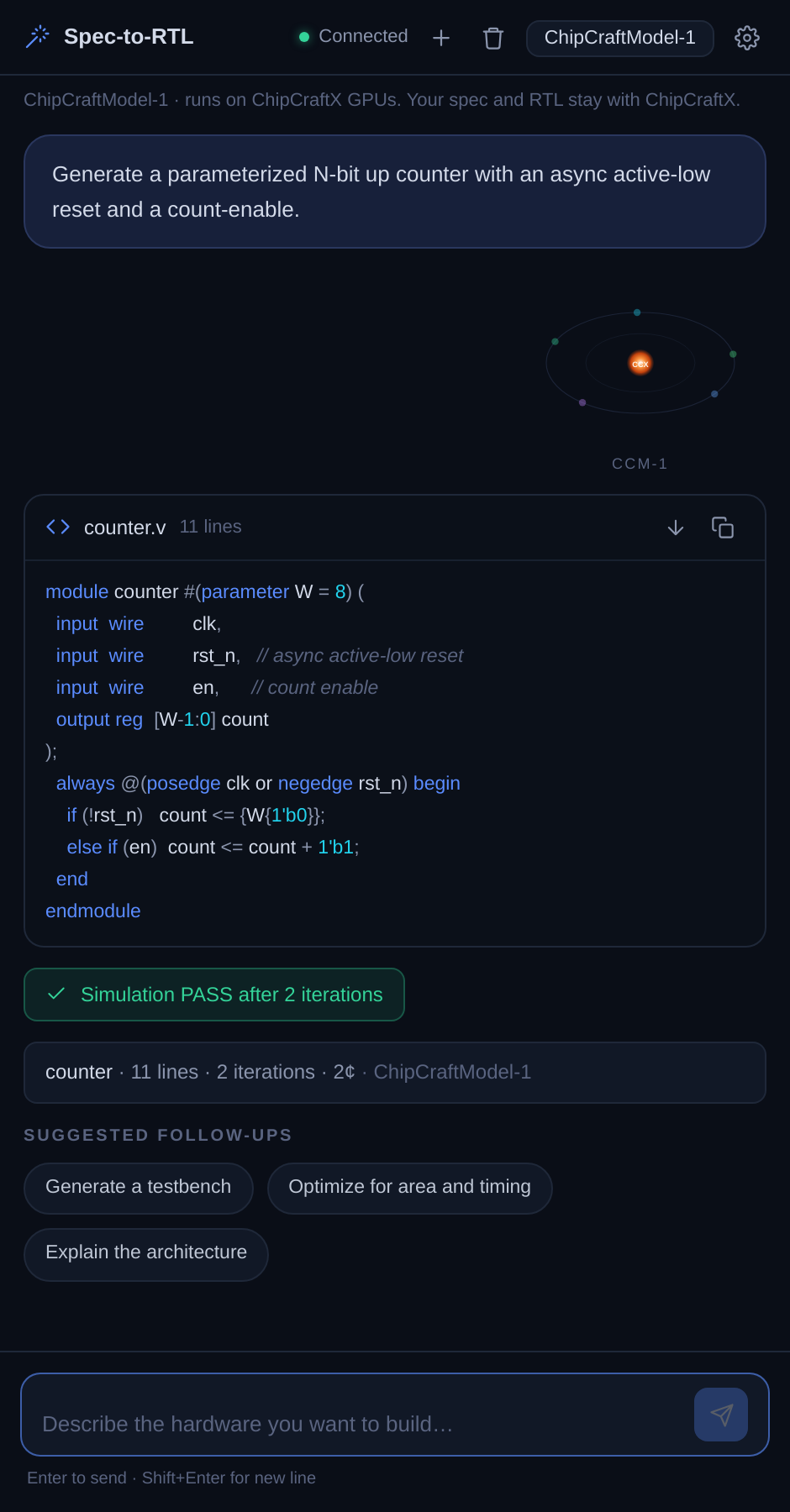
Synthesizable RTL, in your editor
Describe the block in plain English. ChipCraftVS returns parameterized, synthesis-ready Verilog — a real module you can drop straight into the project, not a snippet to clean up.
- Verilog / SystemVerilog generation and completions
- Parameterized, ready-to-instantiate modules
- Inline in the chat panel — no context-switch
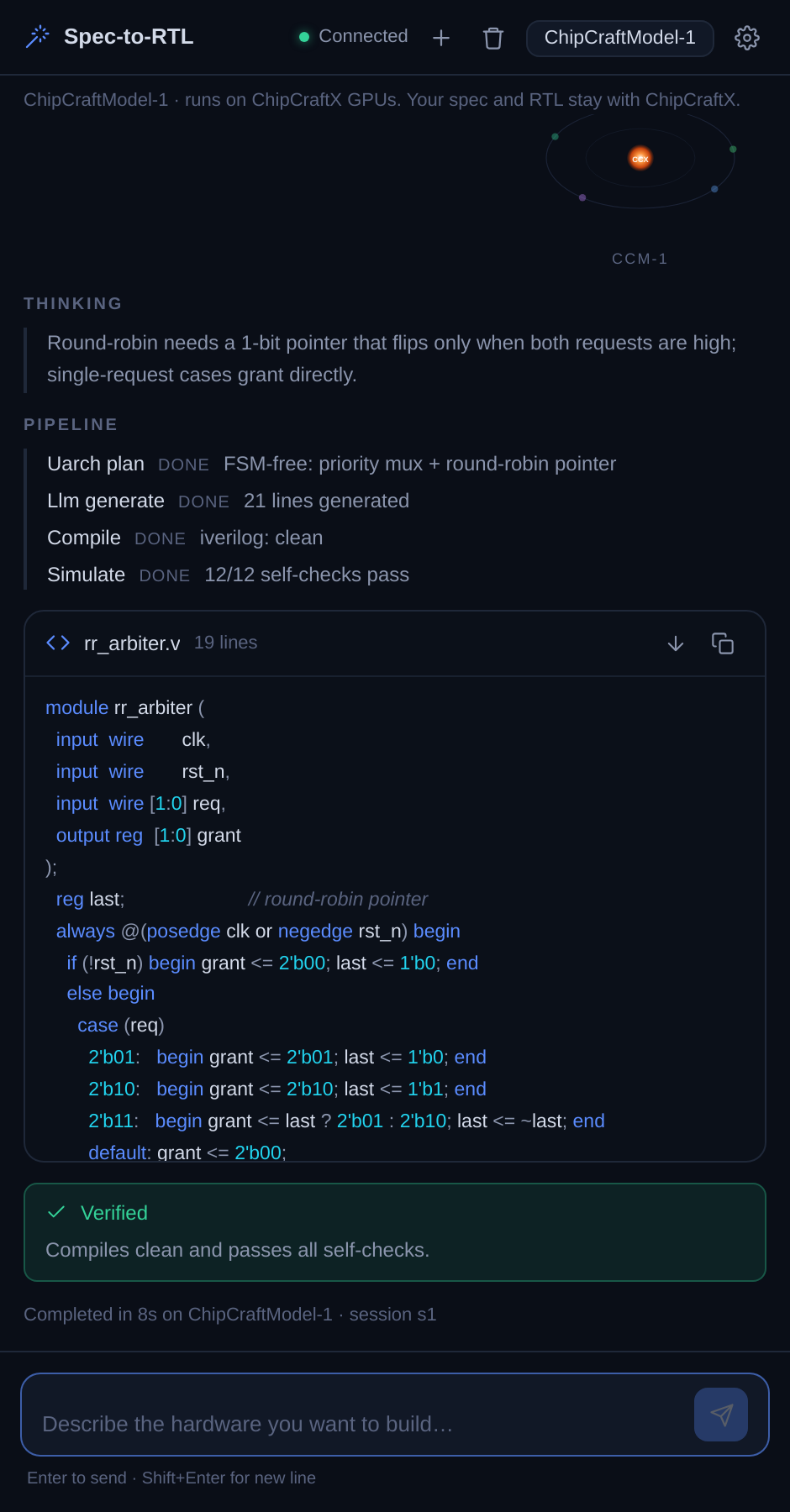
Watch the loop close itself
The agent thinks, generates, compiles, and simulates — then hands you a verdict, not just code. What reaches you has already passed iverilog and its own self-checks.
- Live pipeline: think → generate → compile → simulate
- Self-checking testbenches run before you see the result
- A verdict you can trust, with the receipts
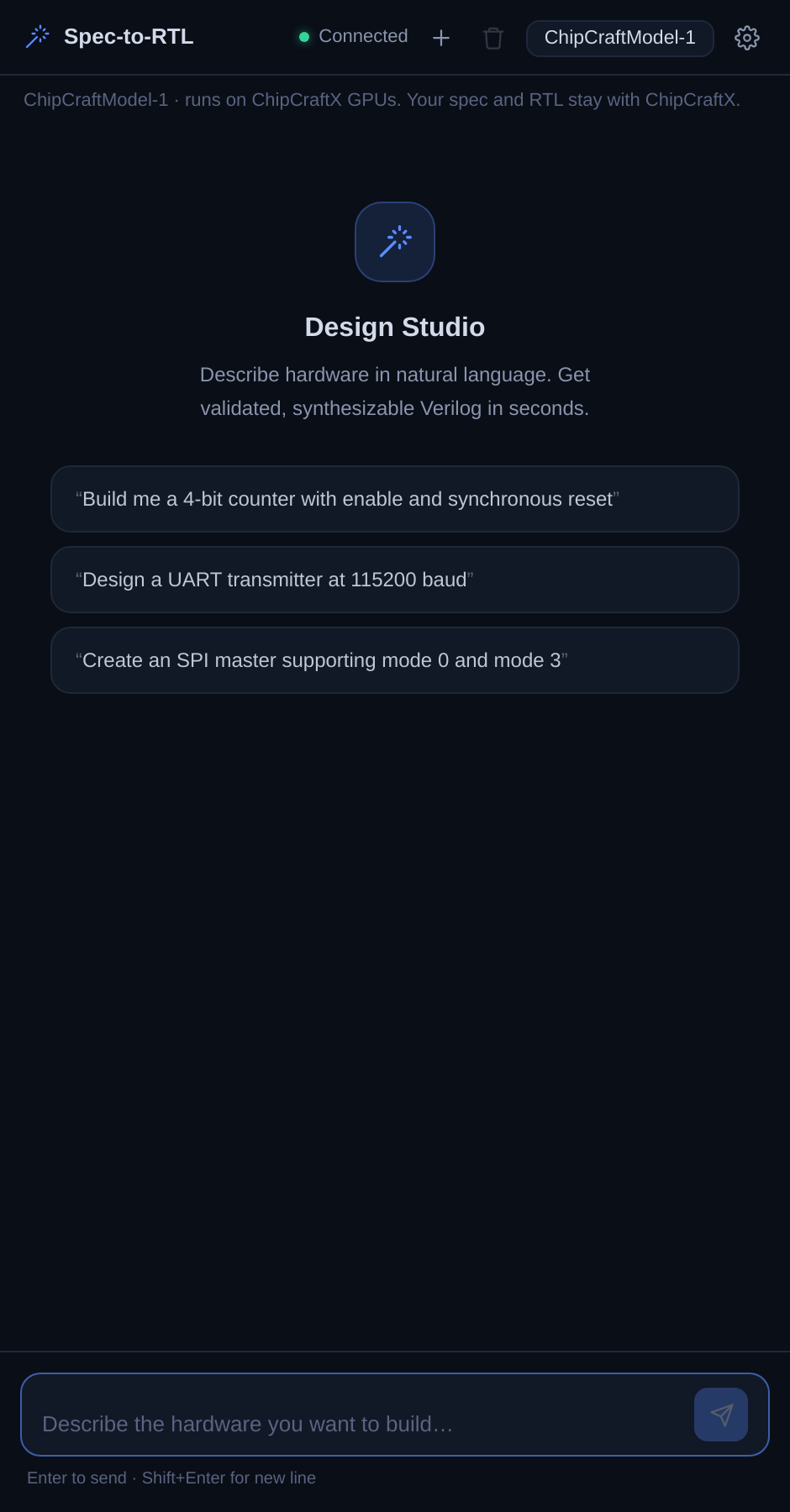
Your design stays with us
Generation runs on ChipCraftX infrastructure — our own GPUs running CCM-1, not a third-party API you have to trust. Your design and prompts never leave the loop.
- Runs on ChipCraftX-hosted GPUs — CCM-1, our own model
- Your design and prompts stay inside the platform
- No third-party model provider in the path
Everything the loop needs, in the editor
Not a chat window bolted onto VS Code — the full ChipCraftX loop, from generation to synthesis-aware diagnostics, running where you already work.
AI RTL generation
Verilog and SystemVerilog generation and completions, tuned for hardware — not a general code model guessing at syntax.
Synthesis-aware diagnostics
Compile-on-save runs Yosys and iverilog behind the scenes and surfaces synthesis and simulation errors inline, as you write.
Private infrastructure
Generation happens on ChipCraftX-hosted GPUs. Your design stays with us instead of flowing out to a third-party API.
Waveforms & knowledge base
Inspect simulation output and reach reference material without leaving the editor — the whole loop lives in one panel.
Switchable agent personas
Kemal, Ayumi, Mei and the rest of the crew are one dropdown away. Put the right specialist behind the cursor for the task.
CCM-1, nothing to configure
By default every request runs on ChipCraftModel-1, our own model on ChipCraftX GPUs. No keys to wrangle, no third-party provider, nothing to set up. Claude is there when you choose it.
Code that has already passed
Every request runs the same loop the crew runs. You do not get a first draft — you get the version that compiled clean and passed its own self-checks.
Switch the specialist behind the cursor
ChipCraftVS is a front end for the ChipCraftX agents. Pick the persona the task needs — architect, RTL, verification — without leaving the panel.
Bring the loop into your editor
Install ChipCraftVS in VS Code and sign in. The agents run on our infrastructure — nothing to set up.